hello@mydataremoval.com
 (855) 700-2914
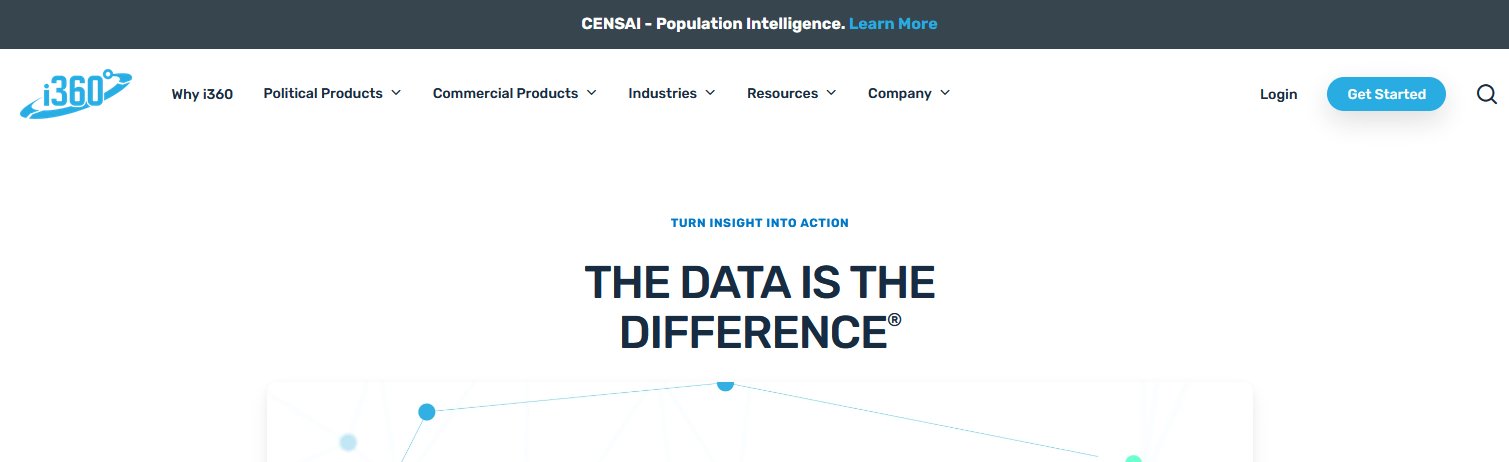
1. Go to www.i-360.com.
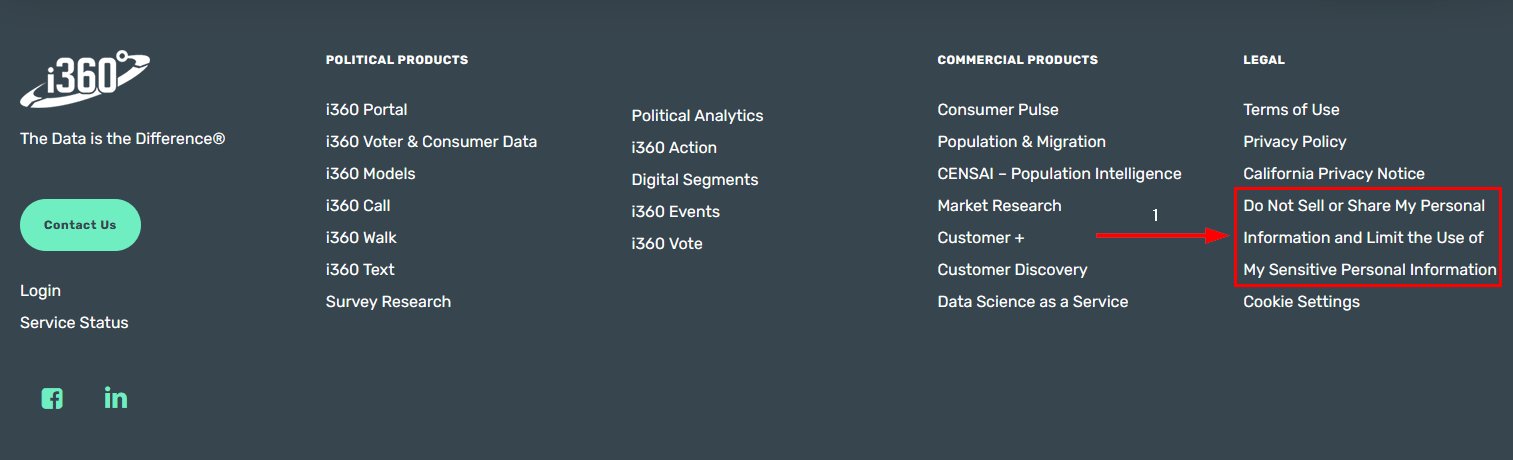
2. On the bottom of the page, click the "Do Not Sell or Share My Personal Information" button.
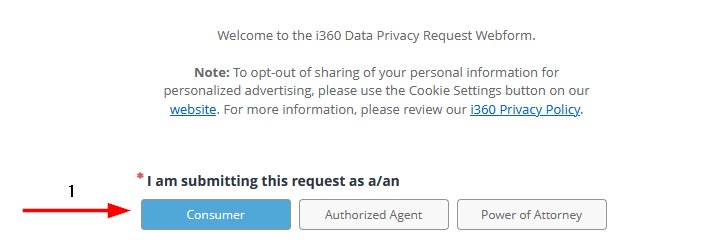
3. Select who is submitting the request.
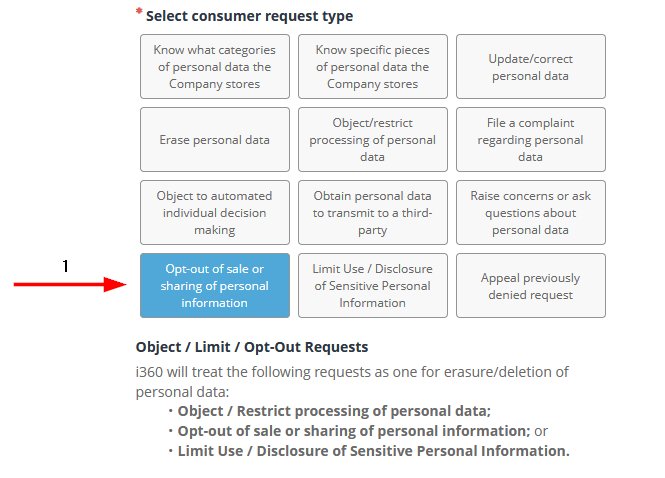
4. Select your request type.
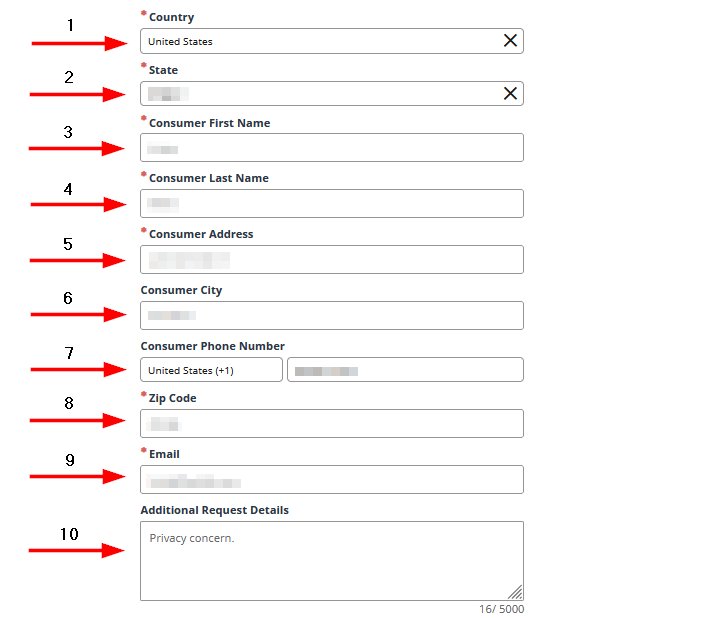
5. Enter your name, email, address, and request detail (something like "Privacy concern" should do).
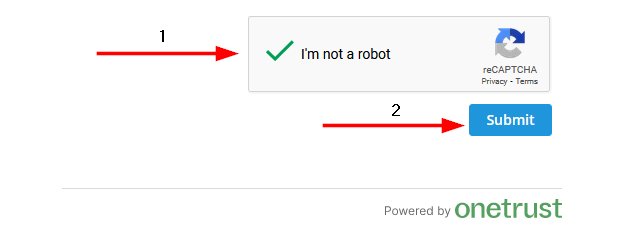
6. Complete the captcha, then click the "Submit" button.
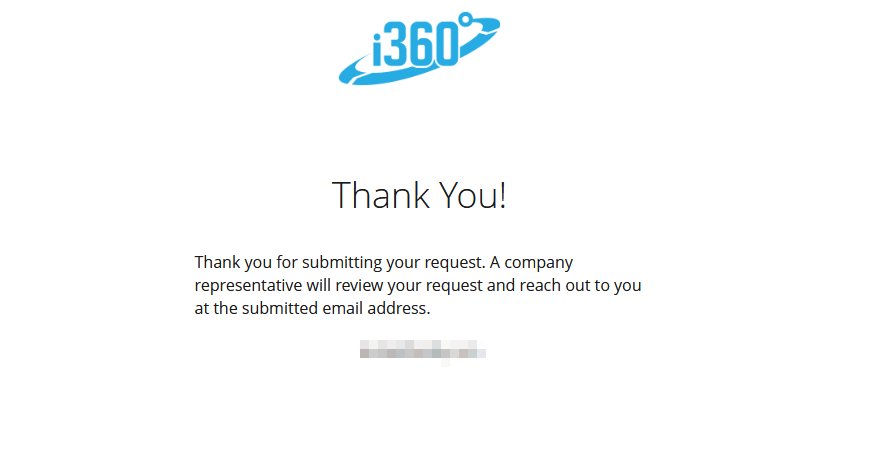
7. Success! You have submitted your removal request successfully.