hello@mydataremoval.com
 (855) 700-2914
1. Go to www.hudwayglass.com.
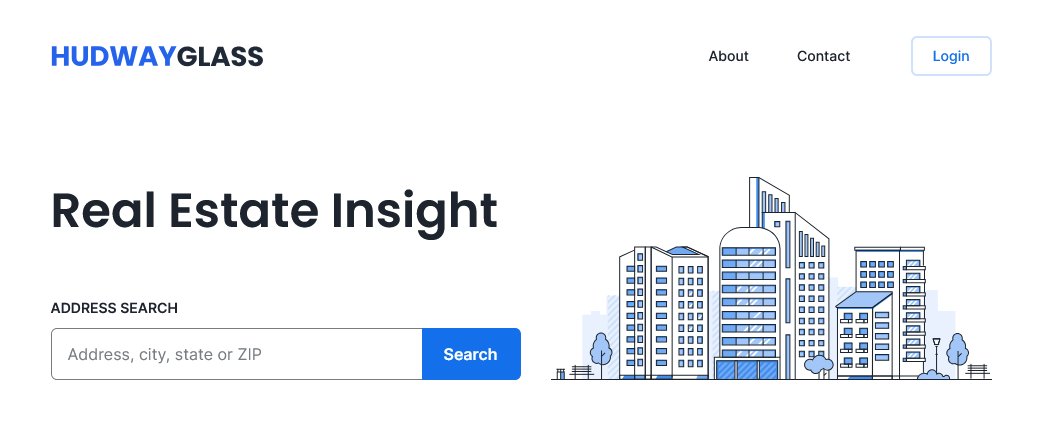
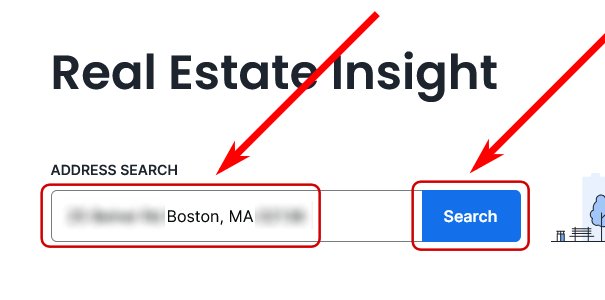
2. Type in your address, click the matching address or click "Search" and find what matches address.
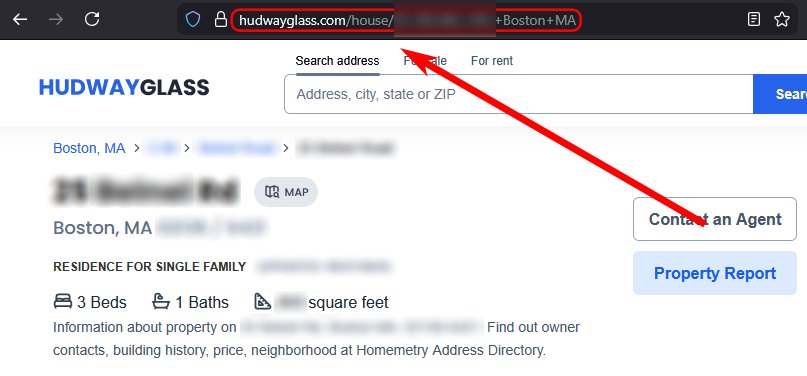
3. Copy the URL that has your address.
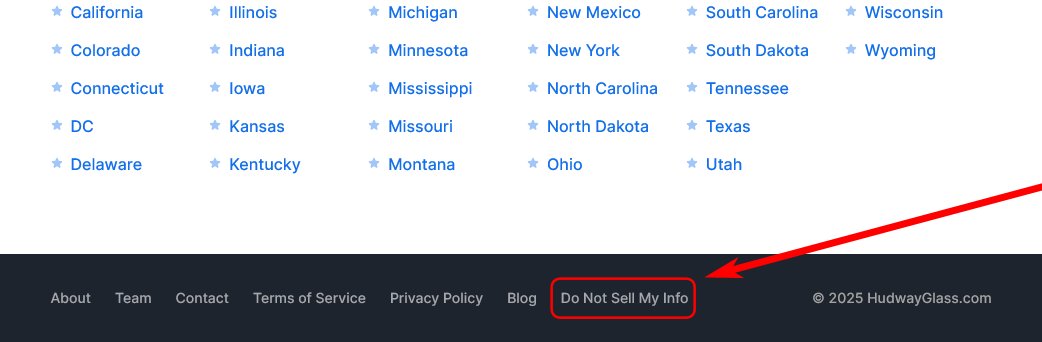
4. Go back to the home page, then scroll to the bottom, afterwards click on the "Do not sell my info" link.
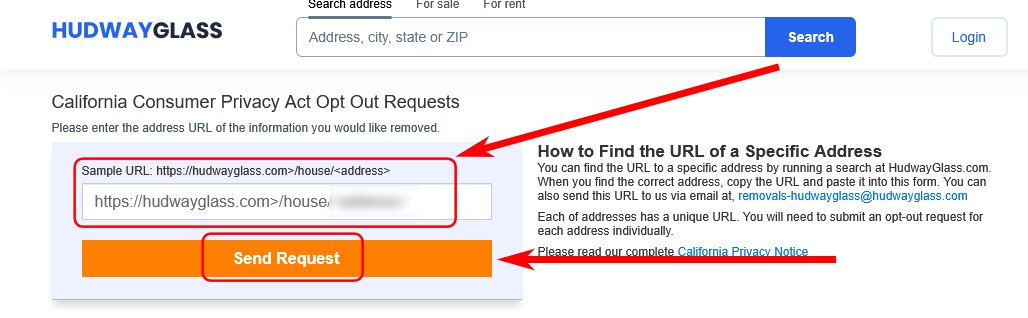
5. Paste the URL into the box then click the "Send Request" button.
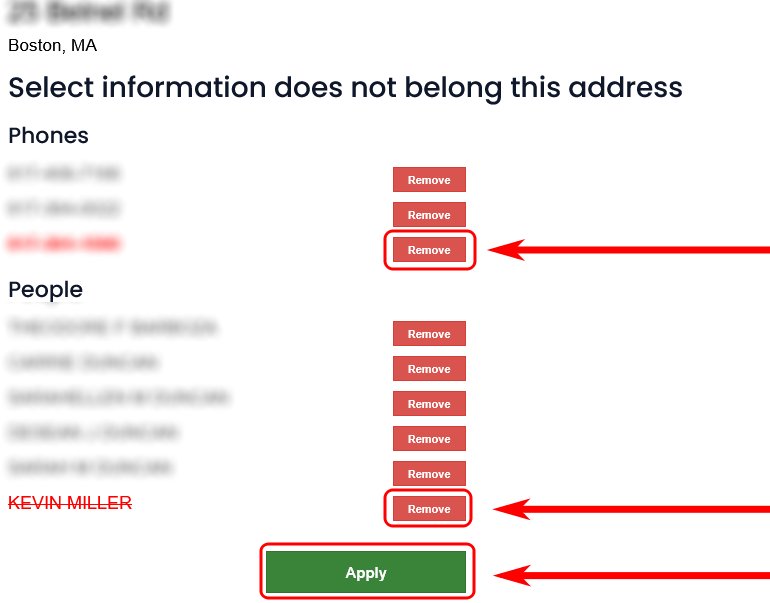
6. Click "Remove" for the items that have your info, then click "Apply".
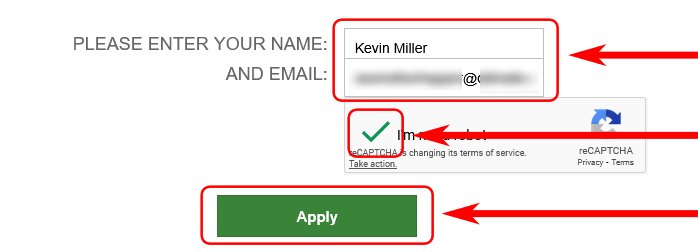
7. Enter your name and email, answer the captcha, then click "Apply".
Not all email addresses work, try using Gmail or other mainstream email providers, otherwise you won't receive any email for the following step.
8. Check your email, then open the verification link that was sent to you.
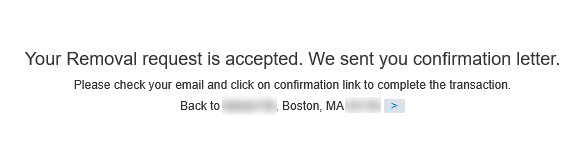
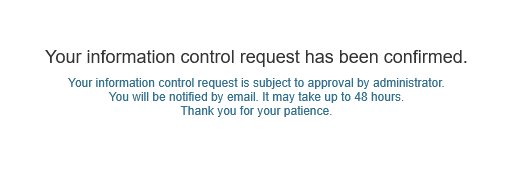
9. Success! You have submitted your removal request successfully.